Audio file format conversion
I’m digging through some AKAI format sample CDs that I have in my collection. I converted some things in the past but I’m getting back into the process now. I don’t think I ever wrote anything down before so it feels like I’m starting over now.
The CDs are image files of varying formats. Some are bin/cue and some are ISO. I seem to recall that ISO doesn’t capture all the data needed for some formats. I can’t quite remember.
Also some sample converter apps are able to read files directly and some need a virtual CD drive.
Many of the virtual drive solutions seem to be outdated now so I’m looking to see what’s still supported on modern windows. I’m now using Virtual Clone Drive (the one with the sheep). It seems to be supported. There’s an open source one called WinCdEmu. That one works but I think I had issues getting it to work with bin/cue files. I can’t remember.
The main tool for looking at AKAI images is CDXtract. I have an ancient version of it from years ago that seems to still work
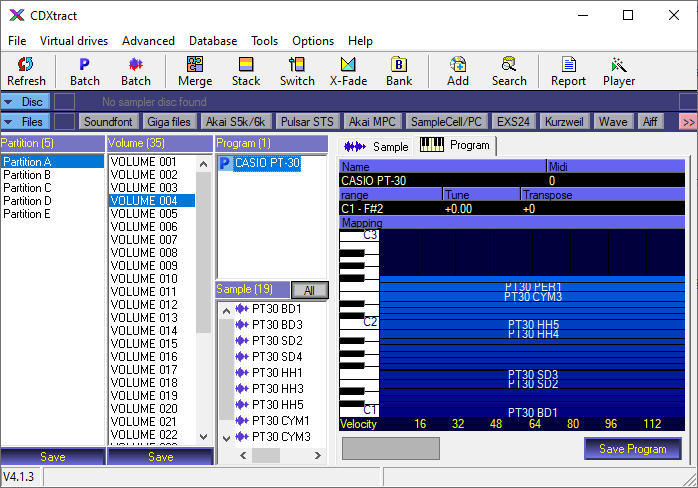
As you can see I have an old copy of Akai Library Vol 3 with some classic drum machine samples. I think this was originally sold by Akai or included with some of their early samplers.
This lets me export to sf2 soundfont or some other formats. I’m not sure what I really want here. I think I just want some folders of wave files. I did batch converts at some point in the past but I can’t recall exactly how I did it.
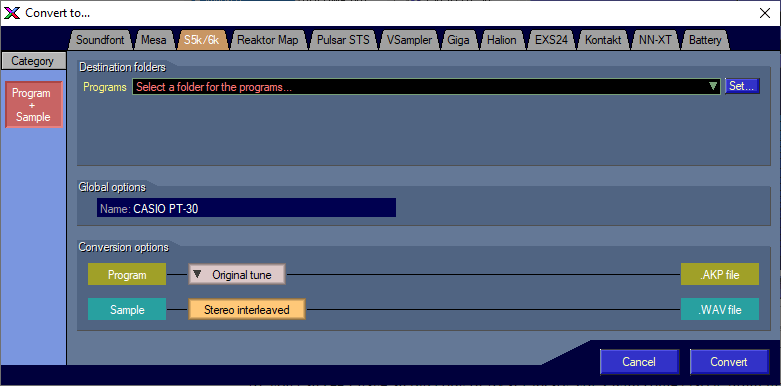
This is a step in the right direction.CDXtract is able to open the .bin file that I have. I don’t seem to need the .cue file here.
There are some other tools like Awave Studio that I used to use. Awave can read from .iso files but not bin files. Once I have some intermediate format I think this can be used to batch convert. There might be some thing I can use on the command line too.
It looks like Extreme Sample converter can convert to sfz
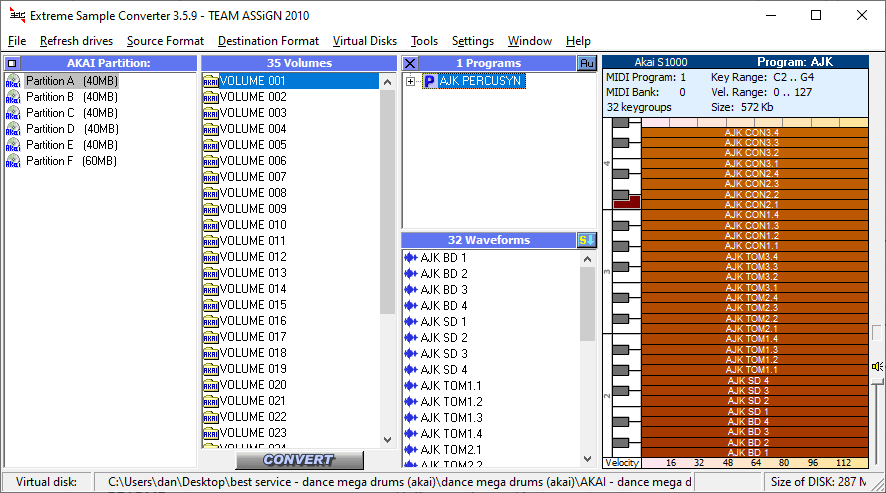
It can also open image files. So this is one way to go.
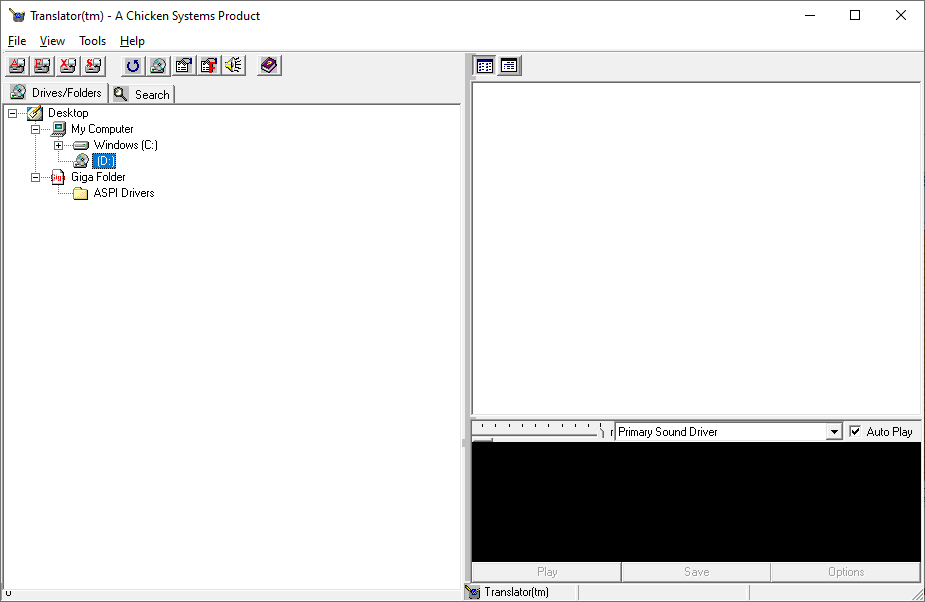
Chicken systems translator needed WINASPI32.dll to work with CD images I think. It wasn’t installed on my system so let’s see.
Translator lets me create new disk images but I’m not sure how to open an existing image
Ok that’s all the tricks I have up my sleeve right now. Once I get into some sample conversion projects I will write up some workflows that I use.